Upload & confirm
Add a clear source photo, then check the category, material, size, and other known facts. Unknown claims stay unknown.
Product studio for Shopify
Turn a product photo into a complete Shopify-ready listing—with as many product visuals as you need, English listing content, SEO fields, and a Draft you can review before it goes live.
Coming soon. Vistolist is not yet available on the Shopify App Store.
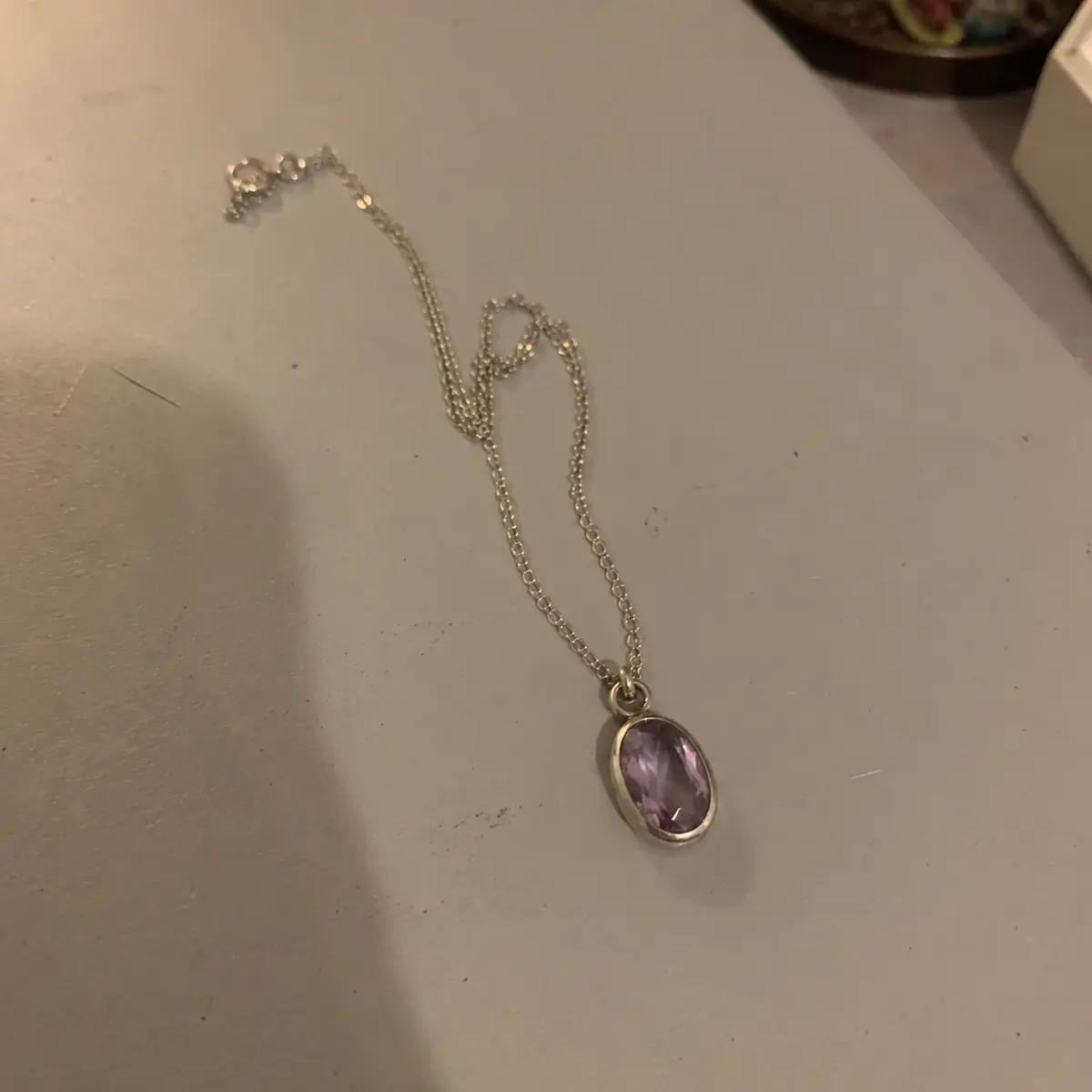 Source upload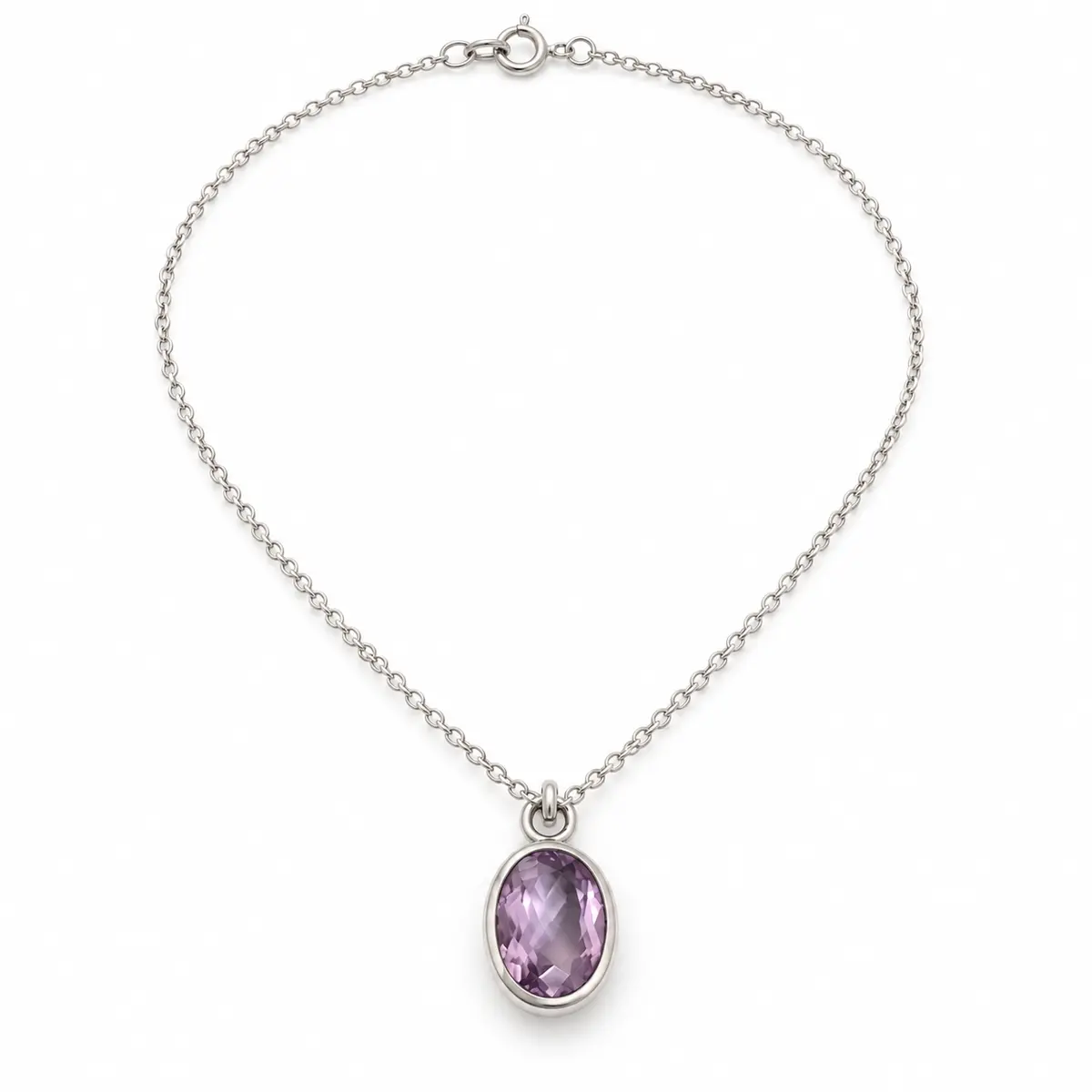


From source to storefront
Vistolist does the production work, while you confirm the product facts and approve what belongs in your store.
Add a clear source photo, then check the category, material, size, and other known facts. Unknown claims stay unknown.
Create a product image set and listing package. Inspect images, product accuracy, title, description, SEO, and alt text.
Confirm price, stock, and required details. Create a Shopify Draft or sync the connected product—never automatic publication.
One connected workspace
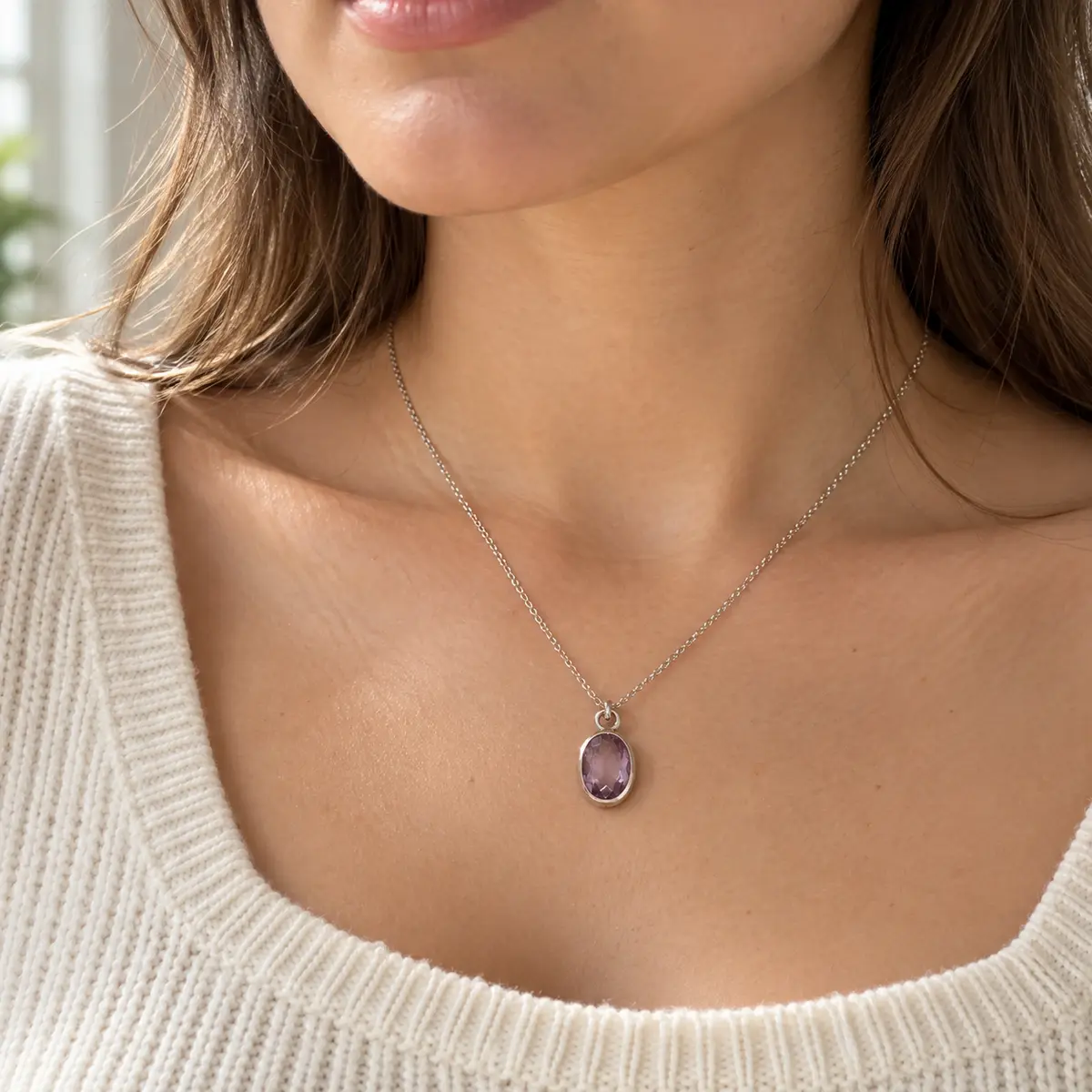
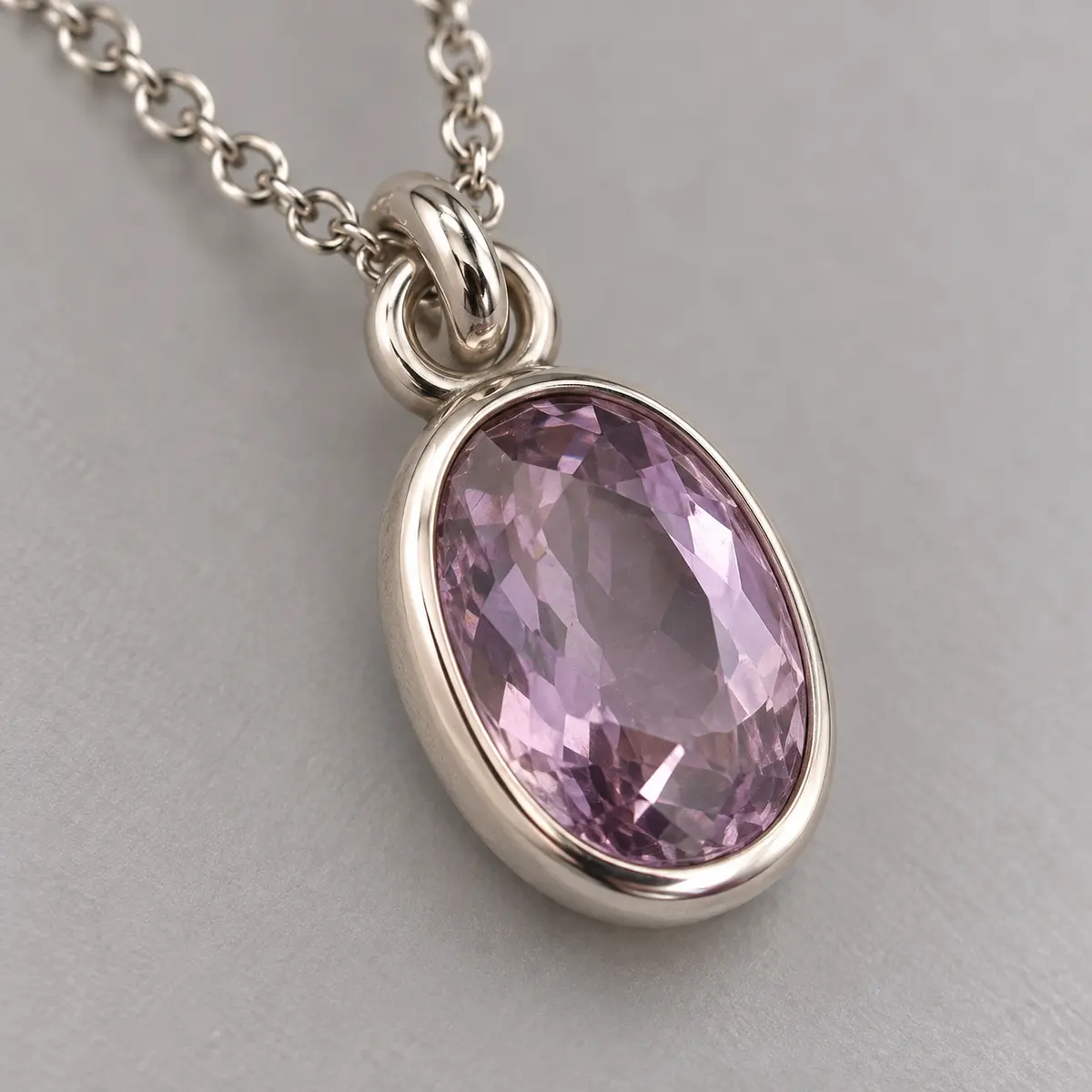
Use your available image credits to create a main image, model or use view, detail, lifestyle, campaign, alternative angles, or the mix your listing needs. Results vary and should be checked against the real product.
Prepare a product title, description, SEO meta title, meta description, image alt text, and suggestions for tags and category.
Create a new Draft or update a product already connected to Vistolist, while keeping final publication in your hands.
Pro adds bulk workflow, brand presets, and priority processing features without claiming an unverified response-time guarantee.
Built around review
Product imagery and copy can contain mistakes. Vistolist is designed to surface the work for review before it reaches Shopify.
Simple monthly plans
All public prices below are in USD. Paid plans will be managed through Shopify billing when the app launches.
Product showcase
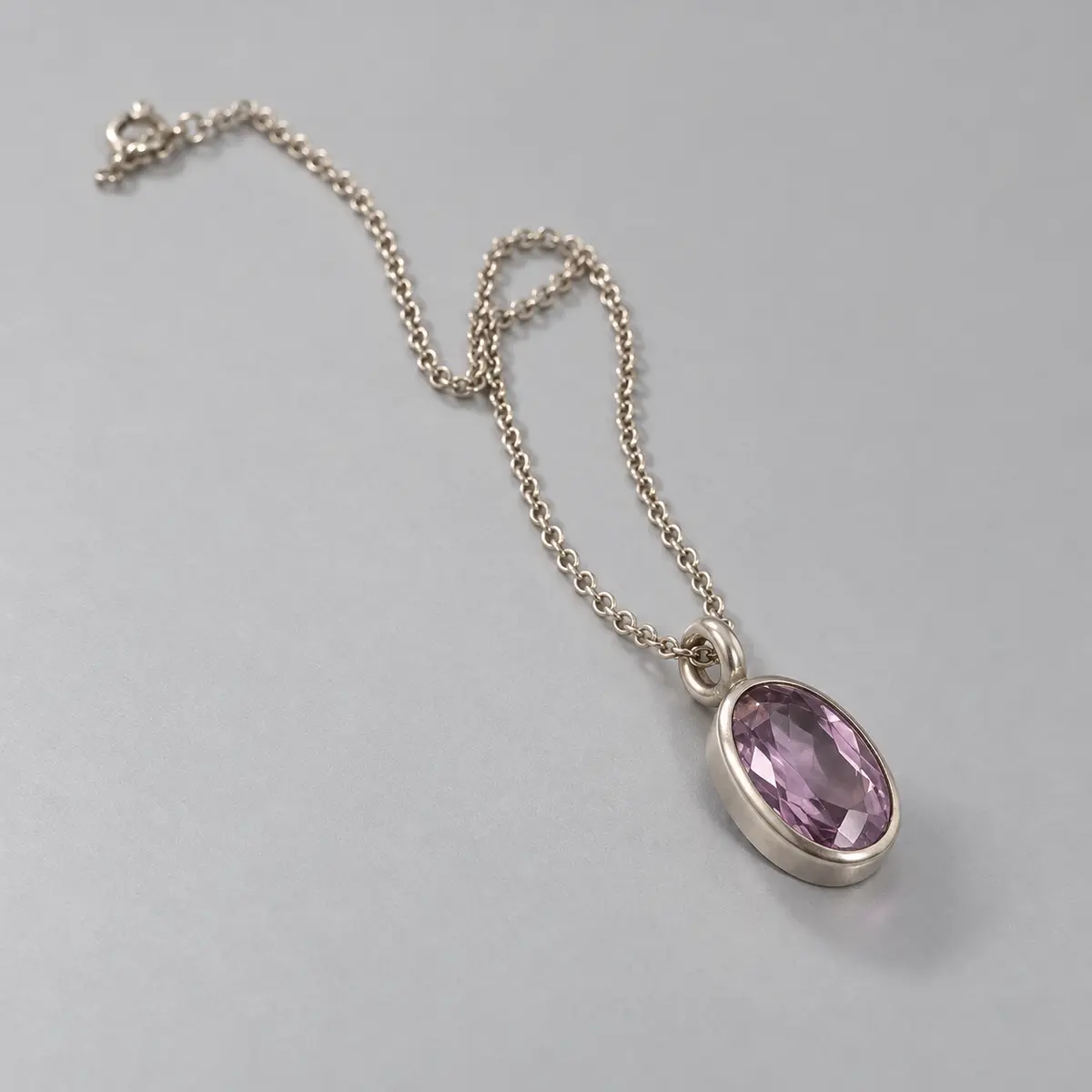
Compare an intentionally rough phone upload with a polished, illustrative jewelry set. This is not a customer result or a guarantee of identical outputs.
Common questions
No. Vistolist prepares a Shopify Draft or synchronizes an already connected product. You review the listing in the app and in Shopify before choosing to publish it.
You can review and revise listing fields before Shopify handoff. Image outputs must also be checked against the source product; regenerate or correct the workflow when a visual is inaccurate.
Use a sharp, well-lit image with the complete product visible, minimal obstruction, and enough resolution to inspect important details. Avoid heavy filters, glare, motion blur, and unclear accessories.
Each plan includes a monthly image allowance. Vistolist shows your usage so you can see how many images remain before starting another product workflow.
Vistolist is coming soon. Contact us for product and launch questions.