Main product view
A clean view intended to show the full product clearly.
Before & after showcase
See how an imperfect phone photo can become a more useful visual starting point for a Shopify listing—while keeping merchant review at the center.
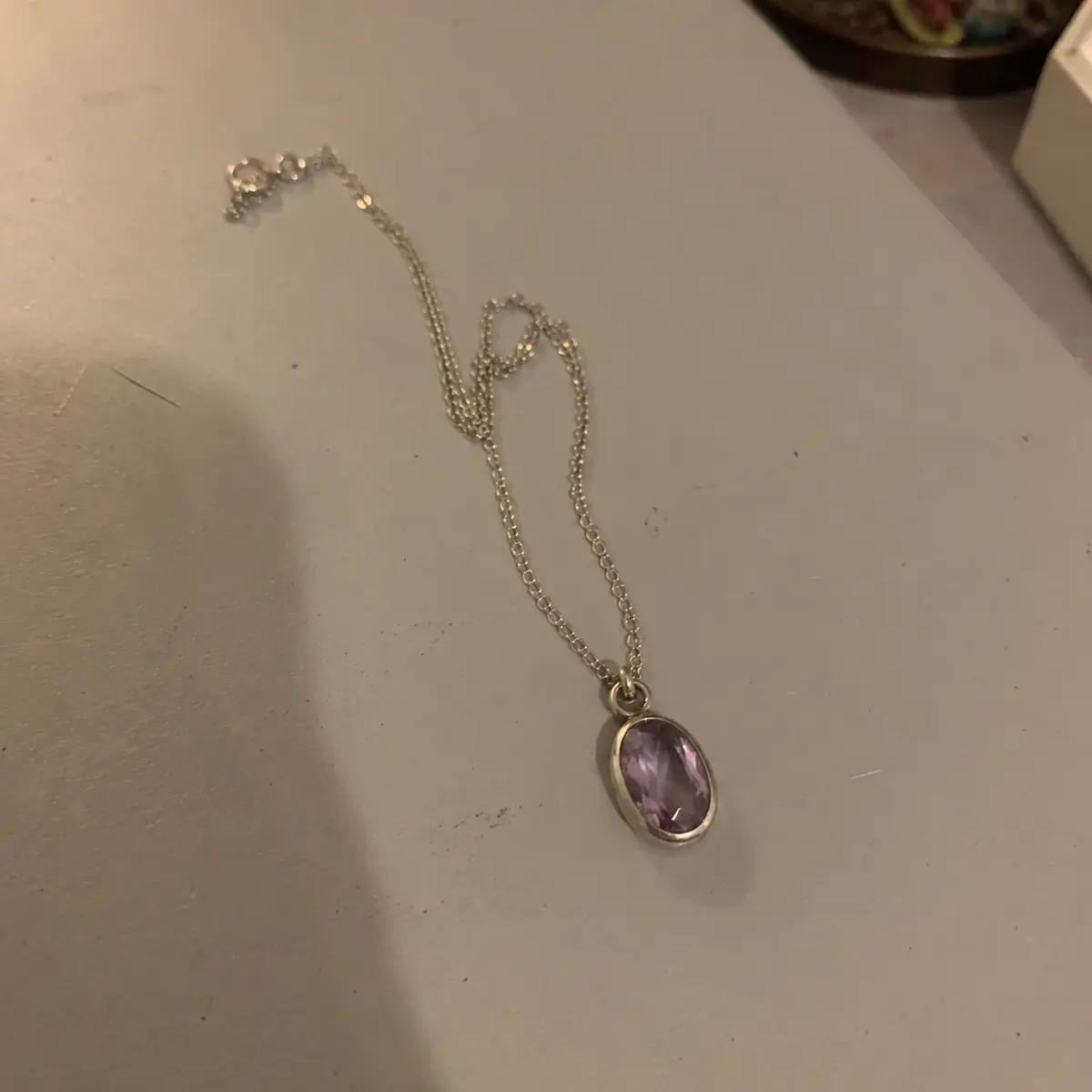 Low light · soft focus · cluttered frame
A deliberately weak source photo helps show the visual difference. Clear, well-lit uploads are still recommended for better fidelity.
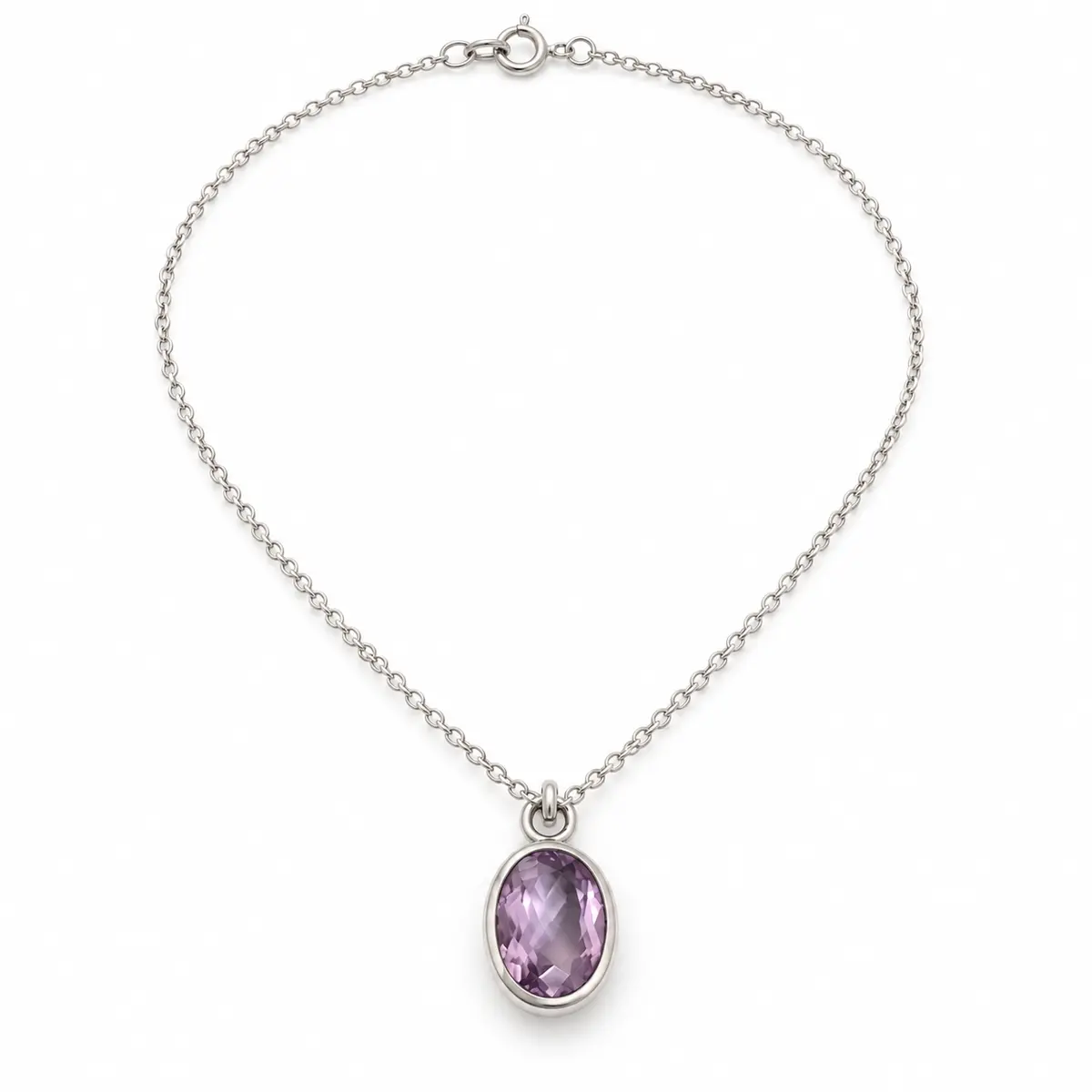
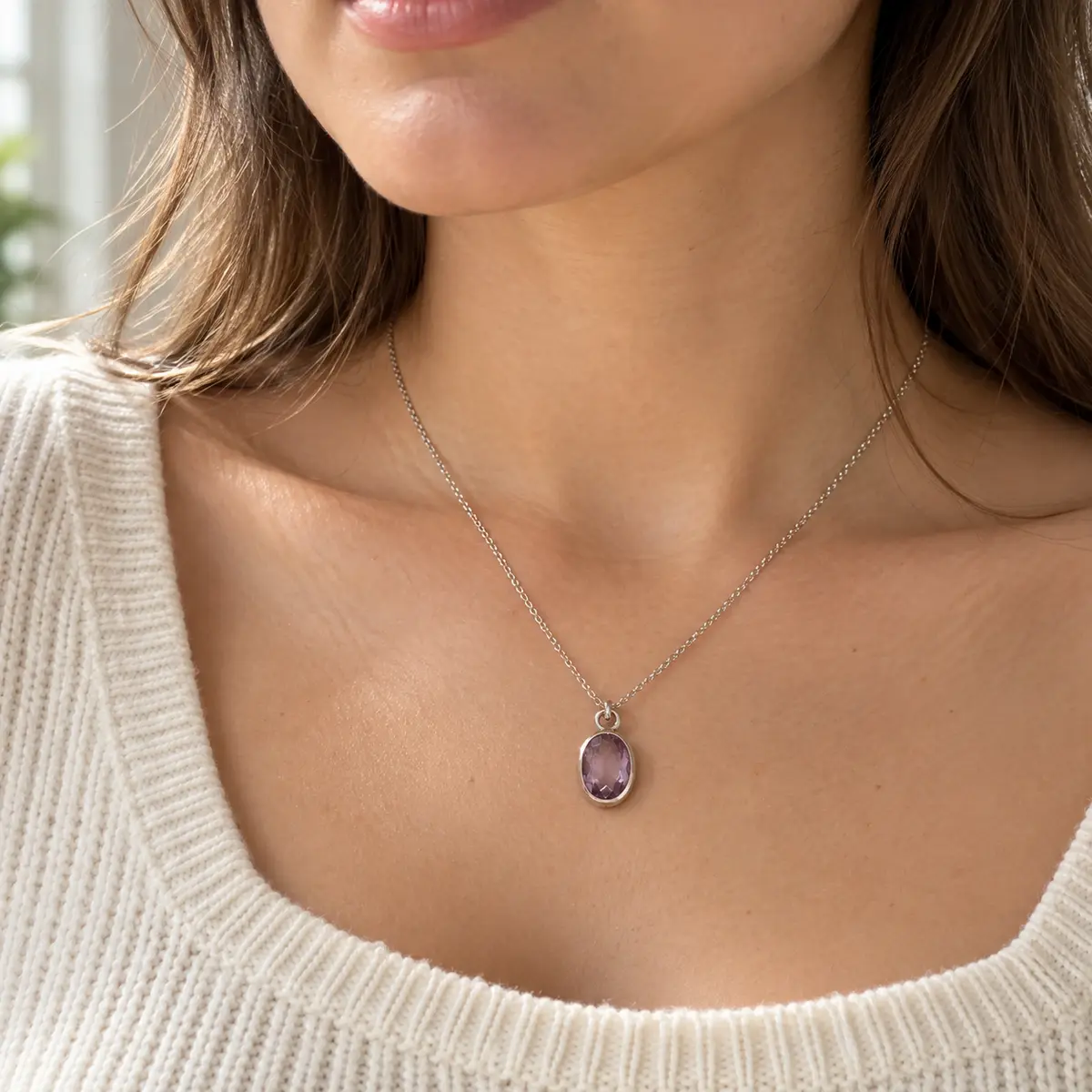
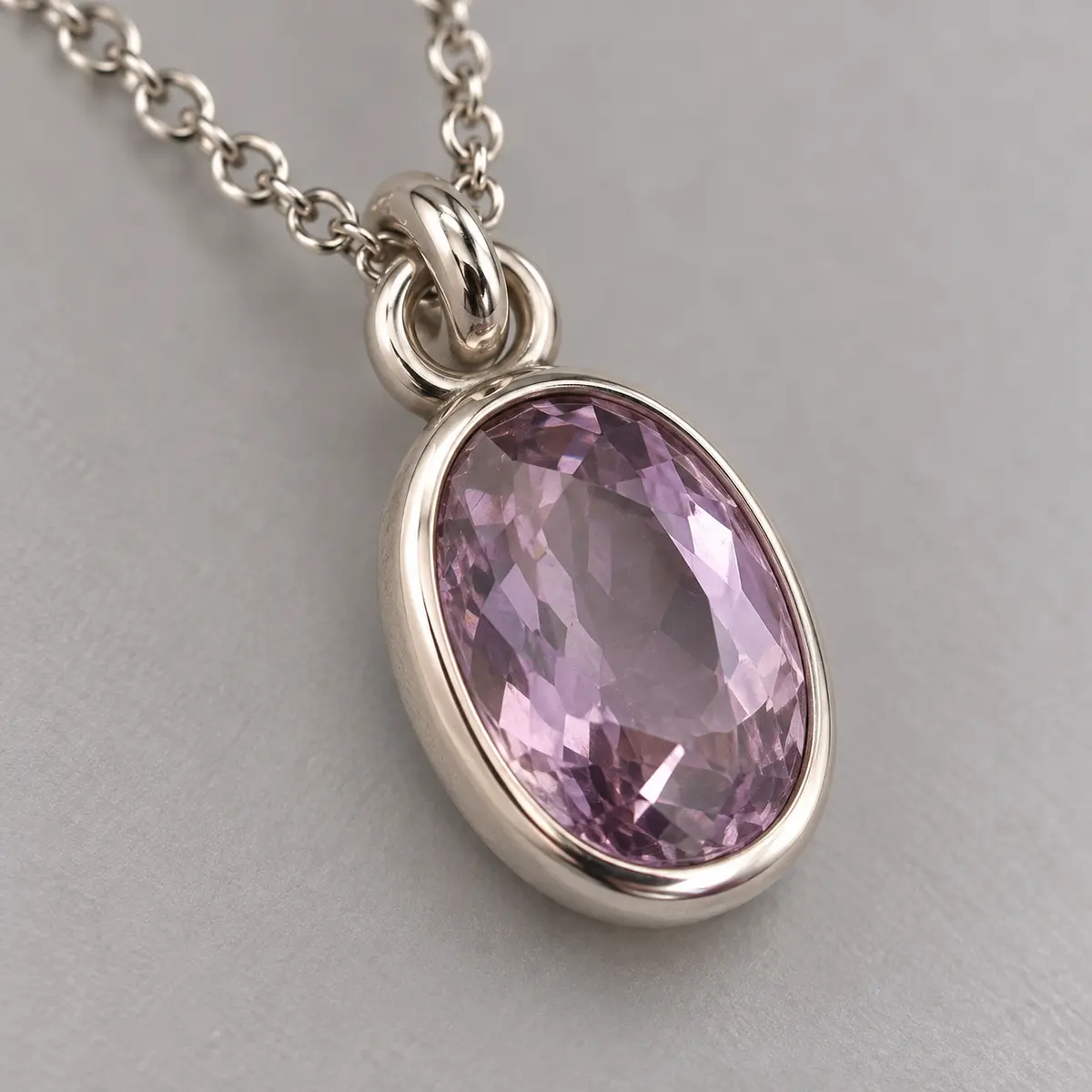
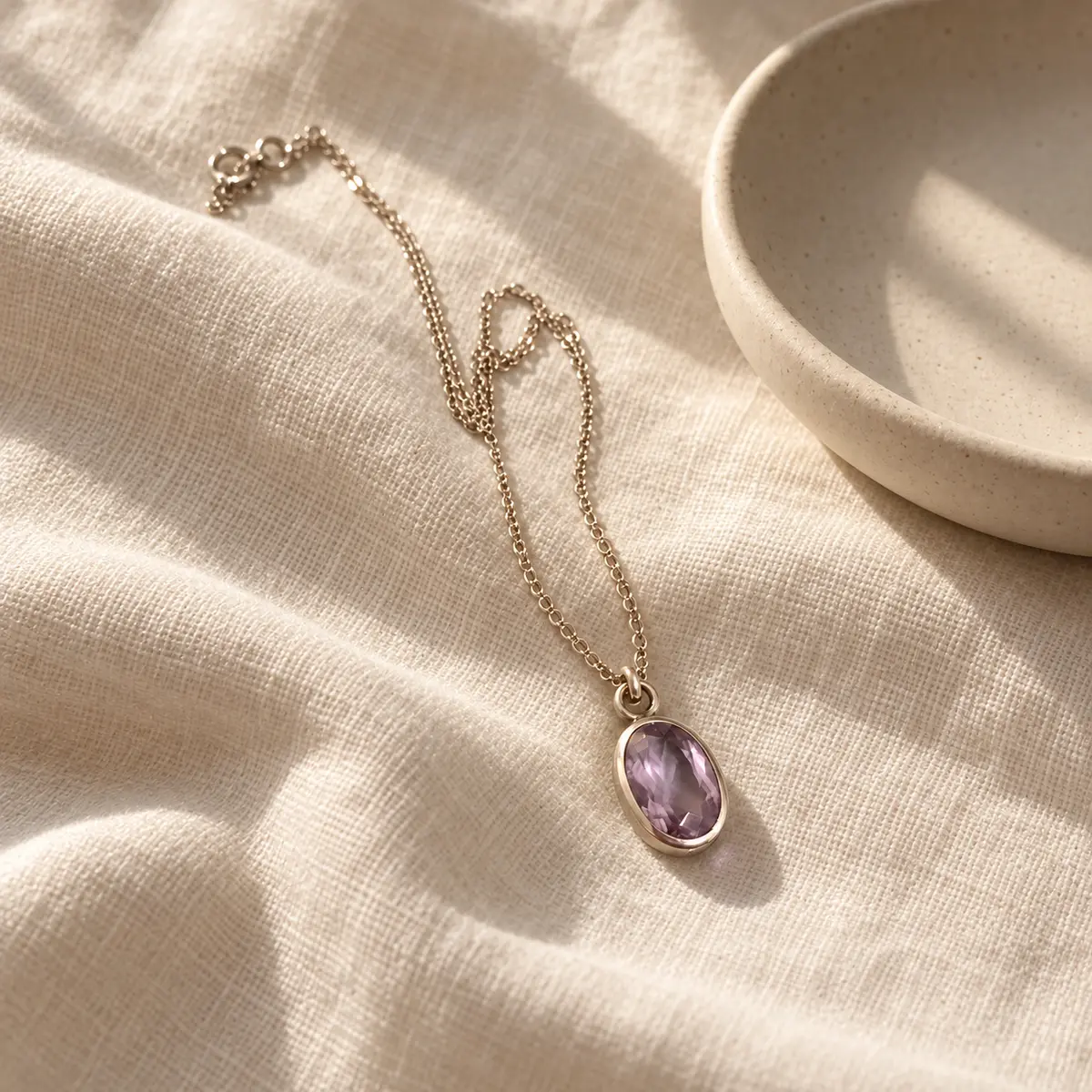
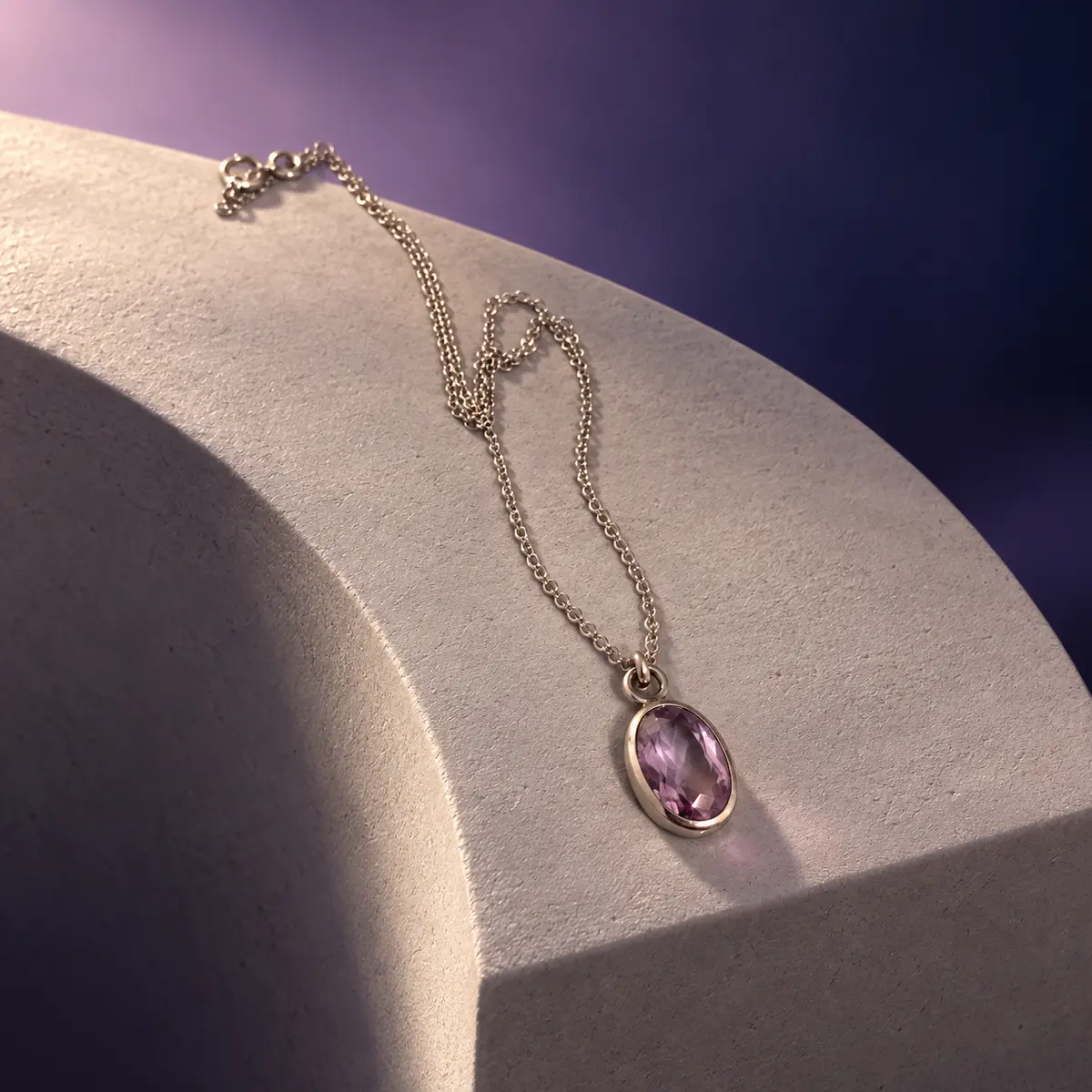
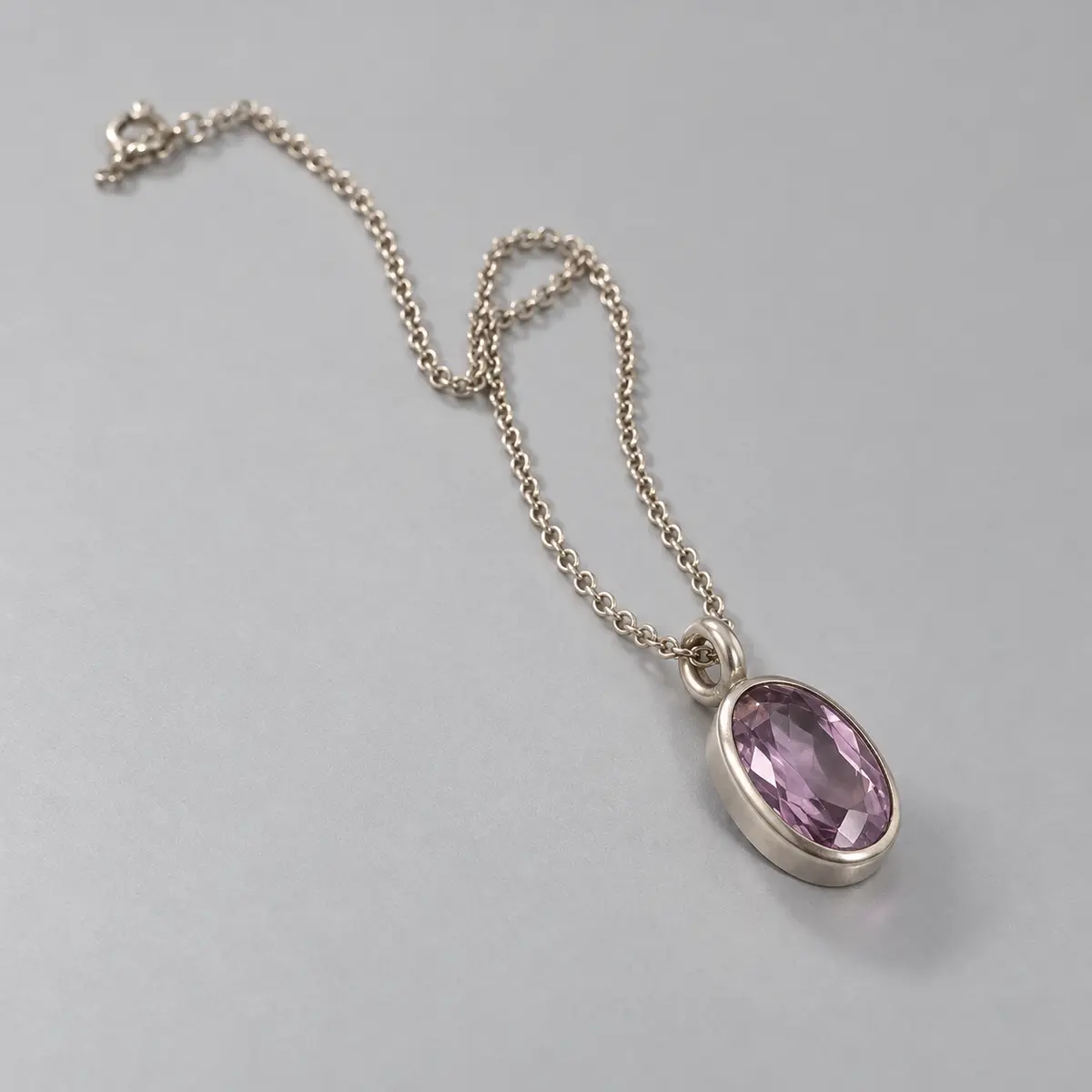
AI-generated visuals can vary and may introduce differences. Compare every output with the physical product and correct or reject anything inaccurate before publishing.
What changes by product
A fashion item, packaged product, piece of furniture, and electronic device may each need a different image plan. Vistolist may suggest a mix of the following when appropriate.
A clean view intended to show the full product clearly.
A contextual presentation when safe and relevant to the product type.
A crop or angle emphasizing a meaningful design feature.
A setting that communicates intended use without inventing product facts.
A more expressive branded composition suited to marketing review.
A complementary view that helps customers understand the form.
Review checklist
Before using an output, compare it with the physical item and the source materials you trust.
Learn where product review, pricing, inventory, and Shopify Draft creation fit.